


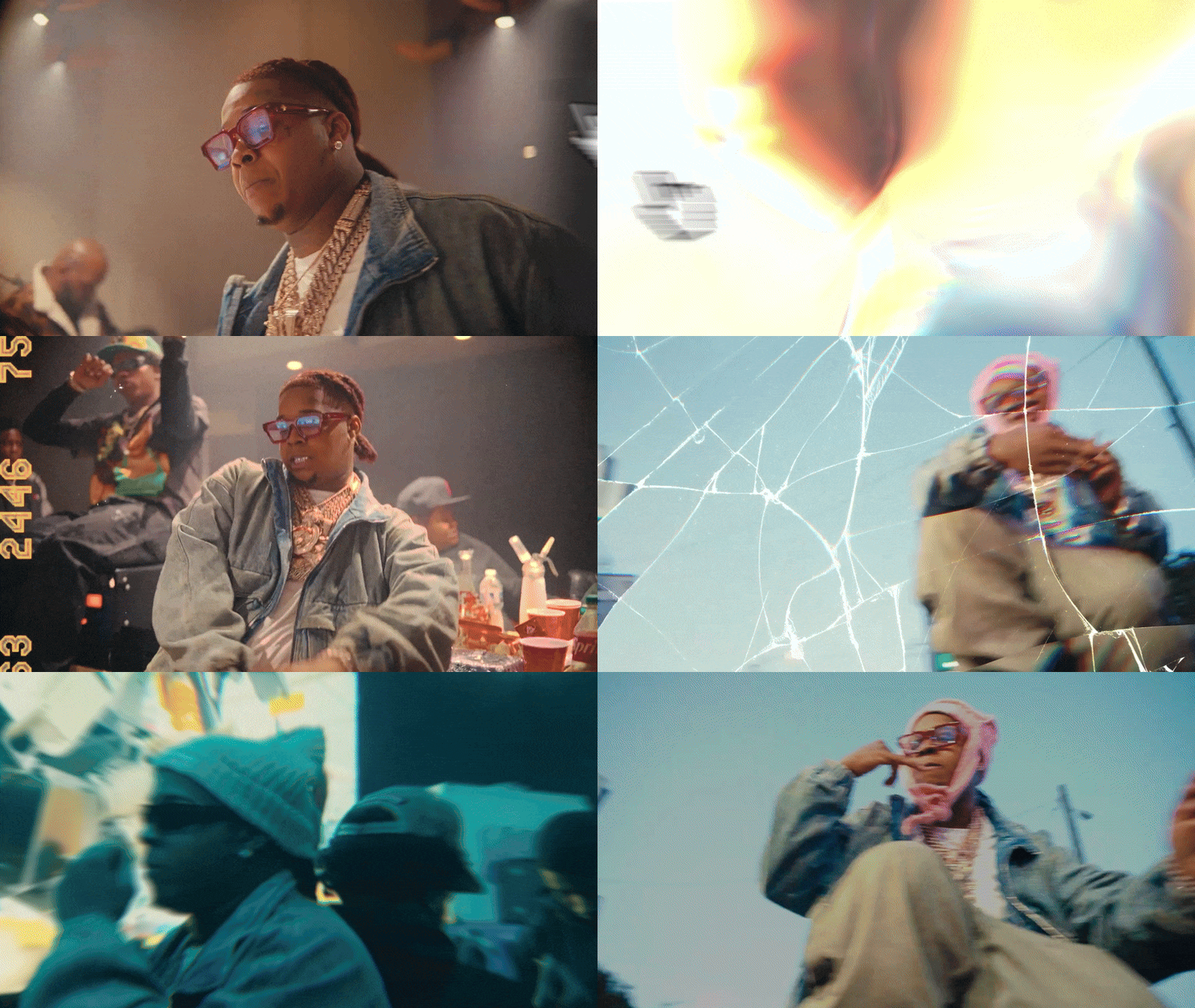


Top Level Effects
5 packs crafted by editors for editors making your editing effortless
Transitions, Roto FX, Wiggles, Shakes & More

Fully Customizable
Tweak every effect to match your style. Adjust parameters and settings for total creative control over each visual effect

Why this bundle?
✅ Make Your Edits Look Industry-Standard Instantly
✅ Save Hours of Editing Time – No more manually tweaking settings
✅ Stop Settling for Basic Effects – These will make your visuals pop

Seamless Transitions
You don't have to worry about flow in your edits anymore. These hand-crafted transitions are crafted with clean curves and pro-level keyframing
Let customers speak for us

Insanely solid plugin.
This is exactly what I've been looking for, something that covers everything I need in PR Pro! Much love

I do not recommend this plugin, everytime I use it I finish all my work too fast now I have nothing to do. It ruined my sleep schedule now I’m just scrolling TikTok all night after getting the work done. But seriously a really good plugin saves me days worth of work and creates insane VFX!
Experience was on point. They got to me withing 24 hours when I needed help
Yo I love it, I get a lot done within 10 minutes just pressing the click of a button. Eventually I’m going to upgrade but for now it’s doing its thing !

great way to save a lot of time, absolutely happy about it as well as the customer service that was provided to me! Thank you !!! This can double your editing speed!!!!!
Great product! Save me so much time. And the effects arefire!

I pre-ordered and was waiting very excited for this to release, when it finally did it definitely hit my expectations 10/10🔥

Fire presets 🔥🔥🔥🔥
Easy to use and insane looks fr

I just tried the new VFX KIT update and I gotta say it blew my expectations out the window. I just finished a commission I had trouble with in 30 minutes instead of the usual 2-day turnaround.
I've been looking for an underground style pack for so long! So glad I found this

Frequently Asked Questions
Yes! Even if you’re new to editing, our presets are easy to use. Just drag and drop them onto your clips
Copy the ''presets' folder and paste it in Adobe After Effects (your version) > User Presets
As soon as your payment is processed, you’ll receive an email with a download link. If you don’t see it make sure to check your spam folder
Create an adjustment layer and drag the presets onto it. Easy as that!
Yes! You can use these presets for commercial projects like music videos, client work, and YouTube content, as long as you don’t resell or redistribute them.
Absolutely! You can adjust keyframes, speed, intensity, and other effects to make them fit your project perfectly.